Getting Started with Normal Map Generators
Emphasizing minute details is a great tool every game developer should have in their toolbox. Normal maps provide an easy way of showing intricate details without going through the hassle of modeling from scratch. In this article, we will explore normal mapping and normal map generators.
What are Normal Maps?
Cel shaders, stylized materials, post-processing stacks, and particle systems — built for URP, HDRP, and Unreal.
A normal map is in the form of RGB images where each component represents a direction (X, Y, and Z). These directions define the surface the map is facing, relative to its normal surface.
Normal mapping is commonly used in 3D modeling to add minute surface details to objects like tiny bumps. This is why normal maps are also called bump maps. They are textures that allow you to add bumps, scratches, tiny details, and imperfections to objects without the need to model them from scratch.
Modeling such tiny details from scratch can be a hassle as it requires drawing several polygons. To solve this, normal maps are used to represent the tiny and fine surface details.
How do Normal Maps Work?
Normal maps are in the form of RGB images and are applied to the model (the model that will be used for rendering).
The normal maps contain information about the surface normal of the model as each pixel of the model is attached to a corresponding pixel in the normal map. During rendering, the renderer calculates the surface normal at each point on the normal maps.
This calculation is used to produce the intricate details such as bumps, scratches, or grooves on the surface of the model. The tiny details are represented as a texture on the surface.
Using normal maps makes it very easy to add intricate details to the surface of objects, adding realism and depth to scenes.
Normal Map Generators
Now that you understand what normal maps are and the significant use of normal mapping, how can normal maps be generated? There are specialized software tools available online for the generation of normal maps. Here are the top ones:
ShaderMap
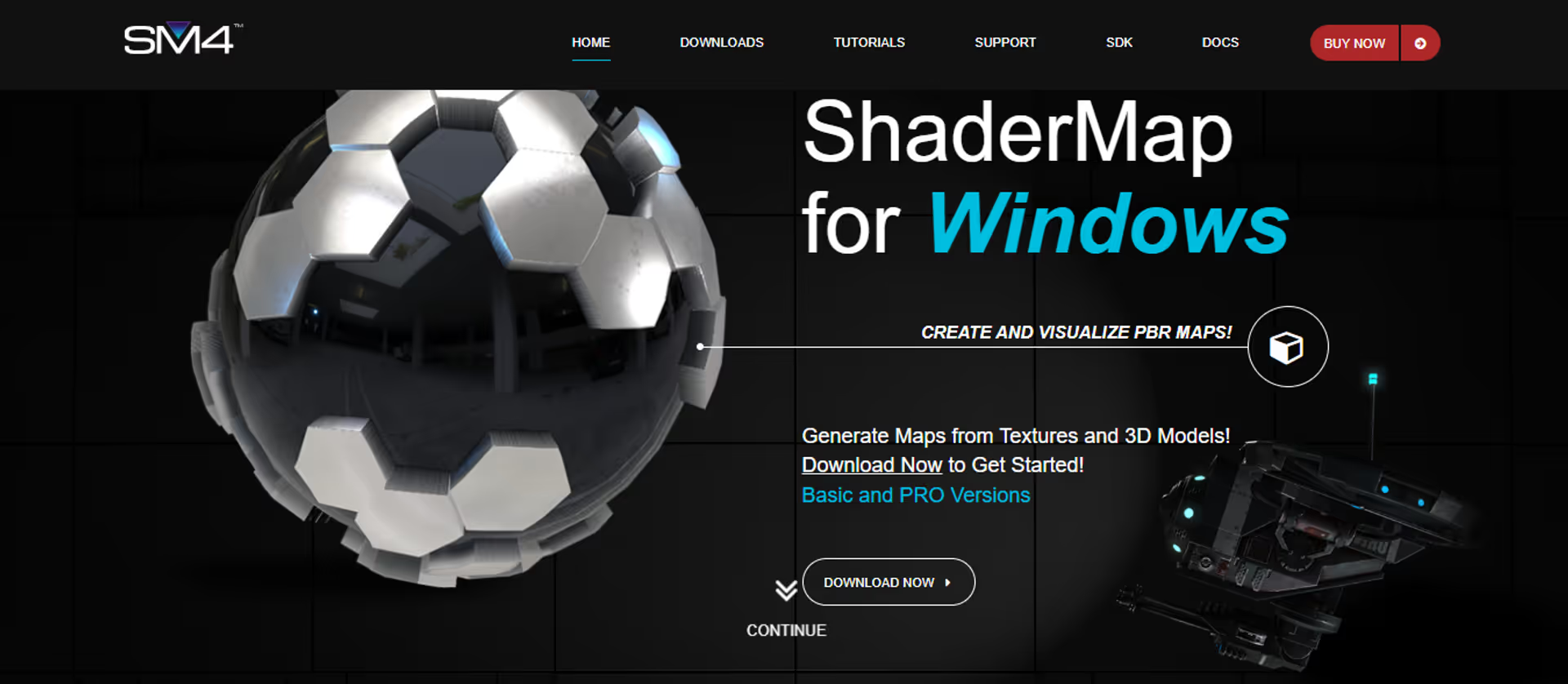
Looking to generate normal maps in split seconds? ShaderMap is the right option. With ShaderMap, you can generate and render normal maps from textures and 3D models. You also have the option to edit and filter the maps to your desired taste.
XO3D
Easily create and generate normal maps with XO3D. With XO3D, you can effortlessly generate normal maps to enhance the depth of your game scenes.
Normal Map Online
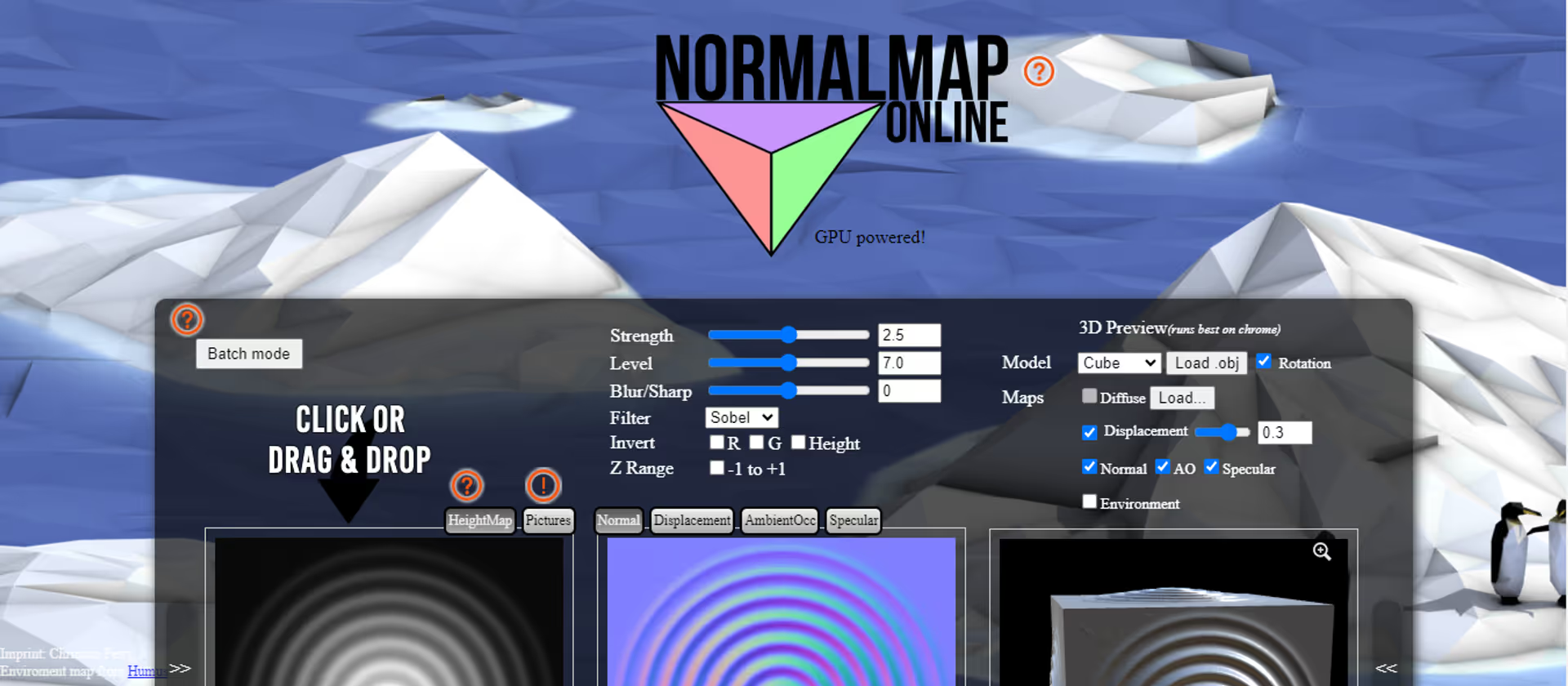
This is a free and powerful tool for generating normal maps from textures and models. Just drop the texture or model you want and the normal map will be generated in seconds, which can be downloaded.
Unity Assets for Normal Map Generation
Apart from free online tools for normal map generation, there are also assets available on the Unity Asset Store for generating normal maps. Just search for normal maps maker on the store, and you will find several options to choose from.
How to use Normal Maps in Unity
To use normal maps in Unity:
- Import the normal map into Unity
- Select the Texture
- Change the Texture Type to Normal Map
- Place the Texture into the Normal Map slot of the Material you are using.
Not every material accepts Normal Maps, and some Normal Maps will need to be converted from OpenGL to DirectX format.
Conclusion
Normal maps are widely used in video game development and other 3D computer graphics as they enhance the realism and depth of scenes.